
Flowchart with branches and retries
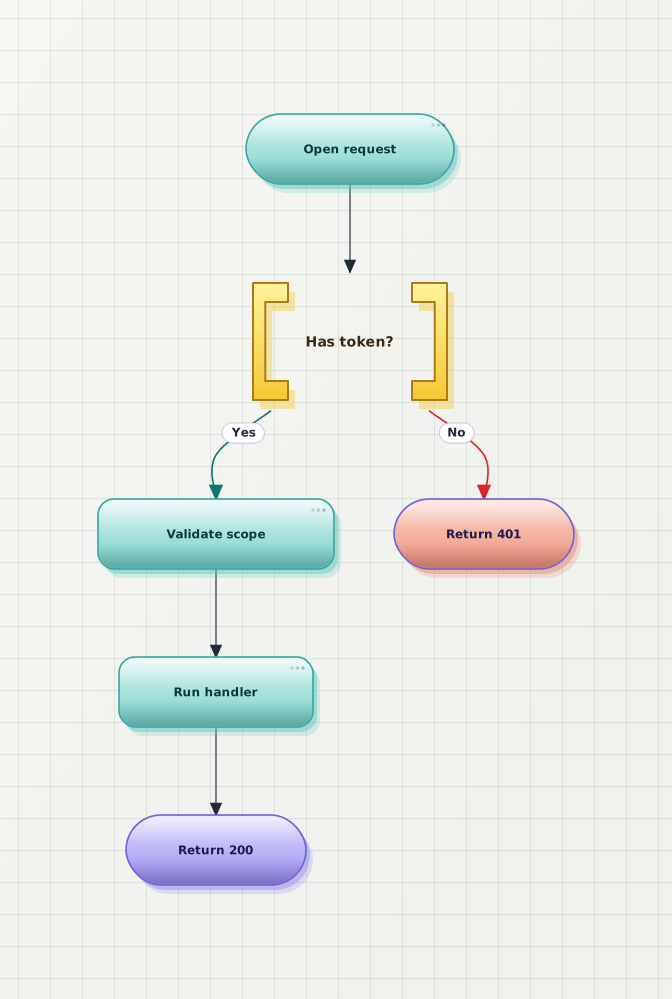
Default Mermaid packs nodes tightly and lets retries collide with the main path. The beautifier pushes alternates aside and keeps the happy path on the longest line.

Paste any Mermaid source — flowchart, sequence, state, class, ER, or Gantt — and the beautifier rewrites the layout for visual clarity: the main path stays calm, retries and branches step aside, and a theme of your choice replaces Mermaid's default look. Free, online, no signup required. Export as SVG or HD PNG when the diagram is ready.
Same Mermaid source on both sides. The After preview is what the beautifier produces with no manual layout — only a one-click theme pick. Open any example in the editor to play with it.
Default Mermaid packs nodes tightly and lets retries collide with the main path. The beautifier pushes alternates aside and keeps the happy path on the longest line.
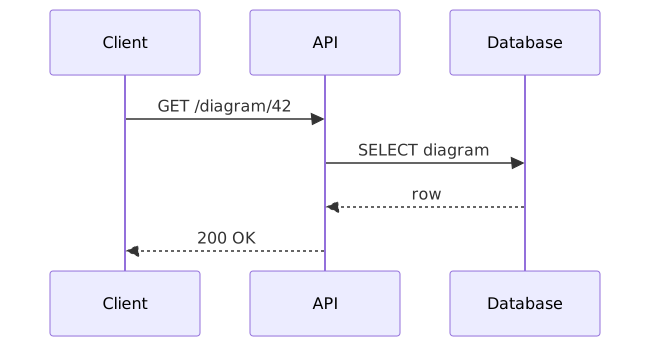
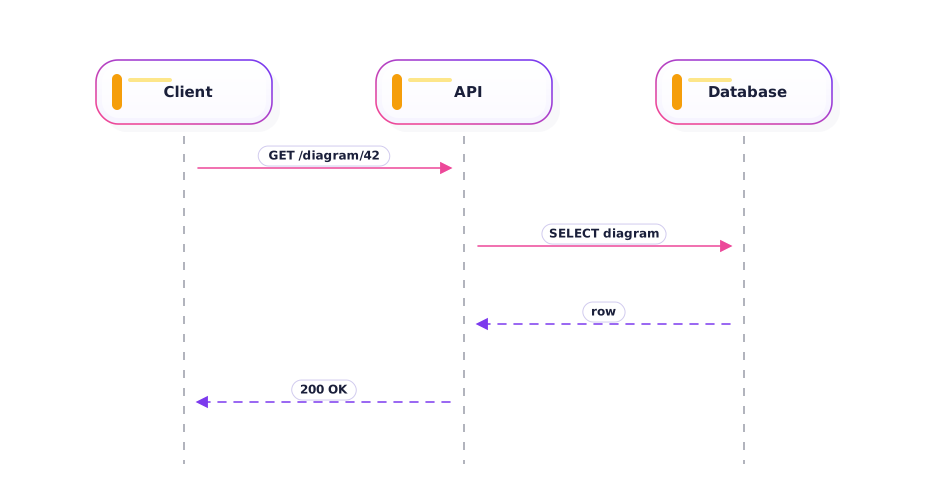
Lifelines feel cramped in default Mermaid. Beautifying widens the actor lanes and gives return arrows room to breathe.
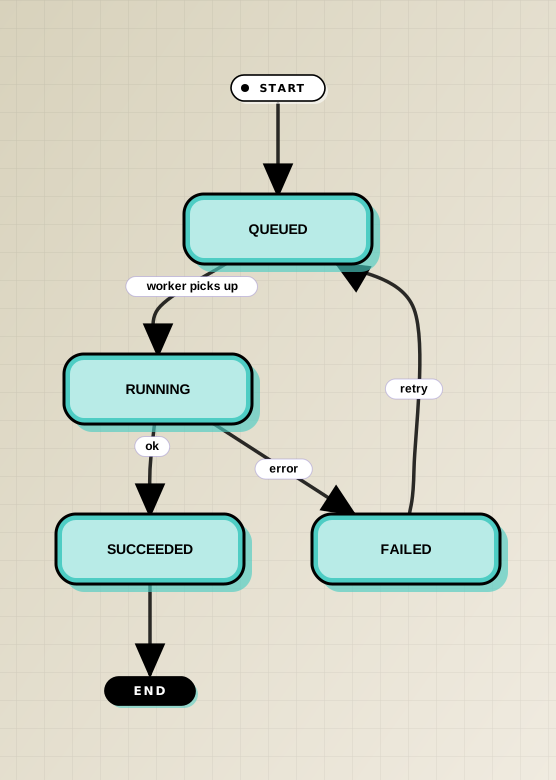
Retry edges in default Mermaid blur into the main path. The beautifier separates terminal states and routes the retry as a visually distinct return.

Default Mermaid is great for fast drafts but rarely suits a slide, spec, or product page. The beautifier is the finishing step that turns the same source into something you would actually paste into work output.
The Mermaid beautifier rewrites the rendered layout, not your syntax. Copy the same source into any other Mermaid tool and it still parses identically.
Atlas and Modern read clean in product docs, Obsidian and Slate stay legible on dark backgrounds, Brutalist and Memphis pop on slide decks. Pick once, export everywhere.
Branches, retries, and merges are routed apart from the main path so the reading order is obvious — most Mermaid diagrams that look noisy are layout problems, not color problems.
Crisp SVG with fonts inlined for docs and READMEs. HD PNG sized for slides and tickets. Both keep the beautified layout — no manual redraw.
Paste the Mermaid source into the editor and the beautified render appears beside it — no account, no settings to configure first. To beautify Mermaid output for a specific destination, pick a theme before exporting: the layout pass runs the same way each time, and the theme decides whether the result reads as documentation, a README, or a slide. Nothing you paste is rewritten, so you can beautify a diagram here and keep using the identical source everywhere else.
The source stays untouched. The beautifier rewrites the rendered layout — separating retries and branches from the main path, widening cramped node spacing, and applying a theme that matches the destination (docs, deck, README). Your Mermaid syntax is preserved exactly, so the diagram still renders the same logic in any other Mermaid tool.
Yes. Anonymous use covers unlimited preview, beautify, and SVG / PNG export with a small watermark. An account on the free plan removes the watermark and saves diagrams to a personal hub.
Flowchart, sequence, state, class, ER, Gantt, gitGraph, and C4 receive bespoke beautification — meaning lane spacing, edge routing, and theme palettes are tuned per type. Mindmap, pie, quadrant, requirement, timeline, and sankey render with the same theme system but use a more general layout pass; their tailored beautification is on the roadmap.
%%{init}%%) be respected?The init block is preserved in the source, but the visual styling on export follows the Beauty Diagram theme you pick (Atlas, Modern, Brutalist, Memphis, Atelier, etc.). That keeps the exported SVG self-contained and consistent across renderers — your %%{init}%% block is still there if you copy the source elsewhere.
Beauty Diagram defaults gitGraph to top-down to match how git tools render commit history — GitLens, SourceTree, git log --graph, GitHub's network view, and most other git visualizers are vertical. Documentation columns (README, CONTRIBUTING.md) also read better with vertical layouts because they fit narrow widths. Mermaid's native default is horizontal; if you prefer that for slide decks or wide hero images, add LR: to the header — gitGraph LR: keeps the same syntax with a horizontal layout.
Yes. SVG export inlines fonts and stays crisp at any zoom — best for documentation, READMEs, and modern web destinations. HD PNG export sizes the raster image for slide decks, ticket uploads, and email-friendly attachments where SVG is not supported.
Open the editor, paste your source, click beautify, and export SVG or HD PNG. No signup.