
Mermaid to PNG — export transparent, HD raster up to 4×
Paste Mermaid source, click beautify, export PNG. Pick a transparent background for slides and branded templates, and up to 4× scale so the image stays sharp when projected or zoomed. The PNG is rendered from the beautified preview — same layout, same theme — so what you see is what gets exported.
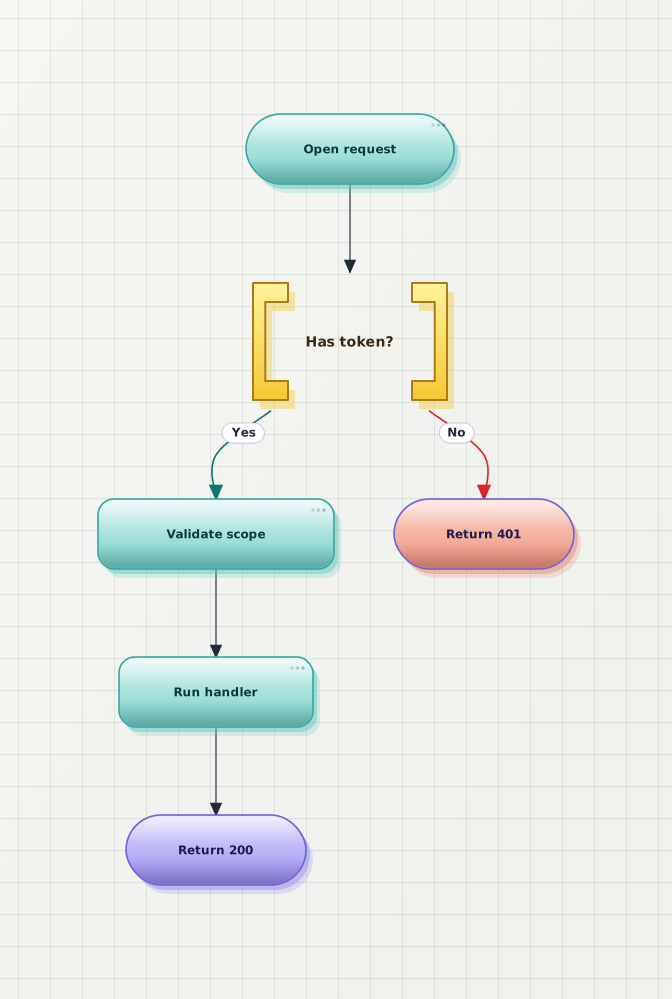
A Mermaid diagram, beautified, ready for PNG export
The Before render is what default Mermaid produces. The After is the same source after beautification — the form that gets rasterised on PNG export, with a transparent background if you choose one.

Why export Mermaid as PNG here
SVG is the right default for docs and the web, but PNG is the safest format when the destination is a slide deck, a ticket attachment, or any tool that does not render SVG — and most online converters cap resolution or charge for transparency.
Export with a real alpha channel — no white box. Drop the diagram straight onto a dark slide, a coloured section, or a branded template without a rectangle behind it.
1×, 2×, or 4× scale. 2× is the slide-deck default; 4× stays crisp on Retina screens and projectors. No fuzzy edges, no manual upscaling.
Layout is rewritten before the PNG is generated, so the exported raster is the polished version — not the cramped pastel default Mermaid render.
Anonymous export works with a small watermark; a free account removes it. HD scale and transparent background are not behind a paywall.
Frequently asked questions
How do I convert a Mermaid diagram to PNG?
Paste your Mermaid source into the editor, click beautify, then export PNG. The PNG is rasterised from the beautified preview — same theme, same layout — so what you see is what you get. No signup is required to export.
Can I export a Mermaid PNG with a transparent background?
Yes. Set the canvas background to Transparent before exporting and the PNG is written with a real alpha channel — no white box around the diagram. That makes it safe to drop onto a dark slide, a coloured section, or a branded template without a visible rectangle behind it.
What resolution is the PNG, and is it HD?
PNG export supports 1×, 2×, and 4× scale. 2× is the slide-deck default; 4× gives you a high-resolution raster that stays crisp on Retina displays and when projected. The pixel dimensions are derived from the diagram's natural size times the scale you pick.
Is the Mermaid-to-PNG converter free?
Yes. Anonymous export covers unlimited preview, beautify, and PNG export with a small watermark on the output. A free account removes the watermark. HD scale and transparent background are not paywalled — per-month export quotas are listed on the pricing page.
Why does the exported PNG look better than a default Mermaid render?
The layout is rewritten before the PNG is generated — spacing, edge routing, and node styling are beautified first, then rasterised. So the exported image is the polished version, not the cramped pastel default Mermaid produces.
Does it work for PlantUML and other diagram types too?
Yes. The same paste → beautify → export PNG workflow handles Mermaid (flowchart, sequence, class, state, ER, and more), PlantUML, and draw.io imports. Mermaid is the primary path, but the PNG export is shared across every supported format.
Ready to convert your Mermaid diagram to PNG?
Open the editor, paste your Mermaid source, click beautify, export a transparent HD PNG. No signup.