
Flowchart to PNG — convert Mermaid & PlantUML diagrams to HD raster
Paste a Mermaid or PlantUML flowchart, click beautify, export HD PNG. Sized for slide decks, ticket attachments, and any destination that expects a raster image. The PNG is rendered from the beautified preview — same layout, same theme — so what you see is what gets exported.
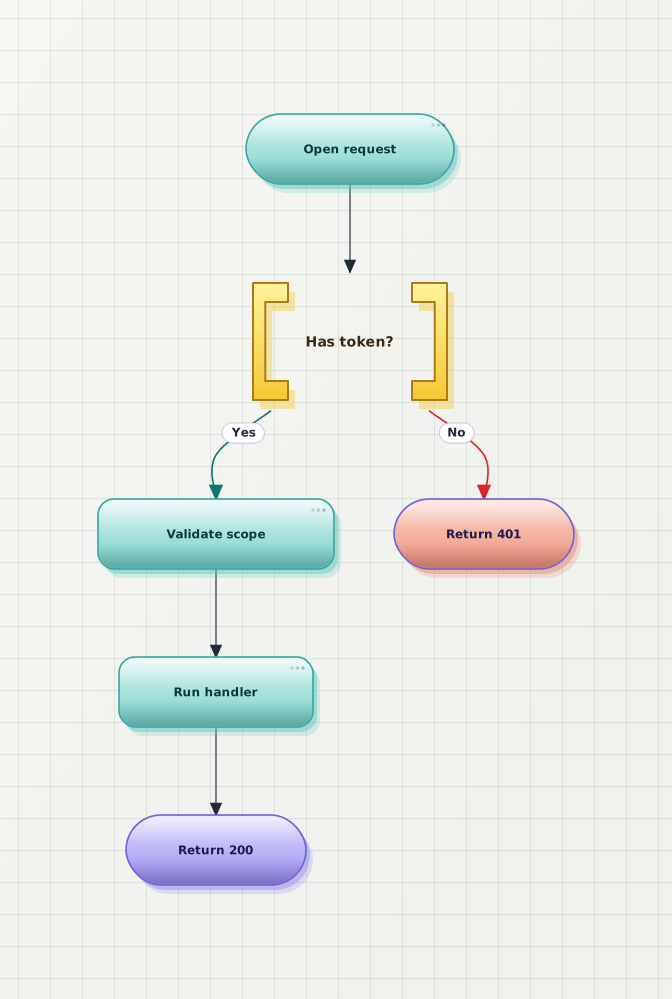
A flowchart, beautified, ready for PNG export
The Before render is what default Mermaid produces. The After is the same source after beautification, the form that gets rasterised on PNG export.

Why export a flowchart as PNG
SVG is the right default for docs and the web, but PNG is still the safest format when the destination is a slide deck, a ticket attachment, or any tool that does not render SVG.
HD PNG sized for Keynote, PowerPoint, and Google Slides — no manual rescaling, no fuzzy edges when projected.
Layout is rewritten before the PNG is generated, so the exported raster is the polished version, not the cramped default Mermaid render.
Six themes — Atlas, Modern, Brutalist, Memphis, Atelier, Obsidian — let the same flowchart fit a light doc, dark deck, or editorial spread.
Anonymous PNG export works with a small watermark. Free accounts remove the watermark; pricing page lists per-month export limits.
Frequently asked questions
What flowchart formats can I convert to PNG?
Mermaid flowchart source is the primary path — paste it, beautify, and export HD PNG. PlantUML activity diagrams and draw.io files (free, no signup needed) also export to PNG through the same workflow. The exported PNG is a flat raster image you can drop into any slide deck, ticket, or document.
Is the flowchart-to-PNG converter free?
Yes. Anonymous use covers unlimited preview, beautify, and PNG export with a small watermark on output. Free accounts remove the watermark; HD PNG resolution and per-month export quotas are listed on the pricing page.
What resolution does the PNG export use?
PNG export targets HD resolution sized for slide decks (typically 2x the on-screen size with crisp anti-aliasing). The exact pixel dimensions are derived from the diagram's natural width with a high-DPI multiplier so text stays sharp when projected or zoomed.
When should I export PNG instead of SVG?
Choose PNG when the destination expects a raster image — slide decks (Keynote, PowerPoint, Google Slides), ticket attachments (Jira, Linear), email thumbnails, or any tool that does not render SVG. Choose SVG when the diagram lives in product docs, README files, or anywhere it might be zoomed.
Will the PNG match the beautified preview?
Yes. The PNG is rendered from the same beautified SVG you see in the preview — same theme, same layout, same fonts. There is no separate raster pipeline that could drift from the on-screen result.
Ready to convert your flowchart to PNG?
Open the editor, paste your flowchart source, click beautify, export HD PNG. No signup.