MERMAID · PLANTUML · DRAW.IO EDITOR WITH A BEAUTIFIER

Your diagrams
render fine.
We make them beautiful.

Beauty Diagram is an online Mermaid editor, PlantUML editor, and diagram beautifier for draw.io workflows. Paste source, preview it live, clean up the layout in one click, and export beautiful diagrams as SVG or PNG.
Open the editor
12
Diagram types
9
Themes
5
Animations
diagram.mmd
1
2
3
4
5
parsing…0%
RENDER & BEAUTIFY
Beauty Diagram
ClassicSVGPNG
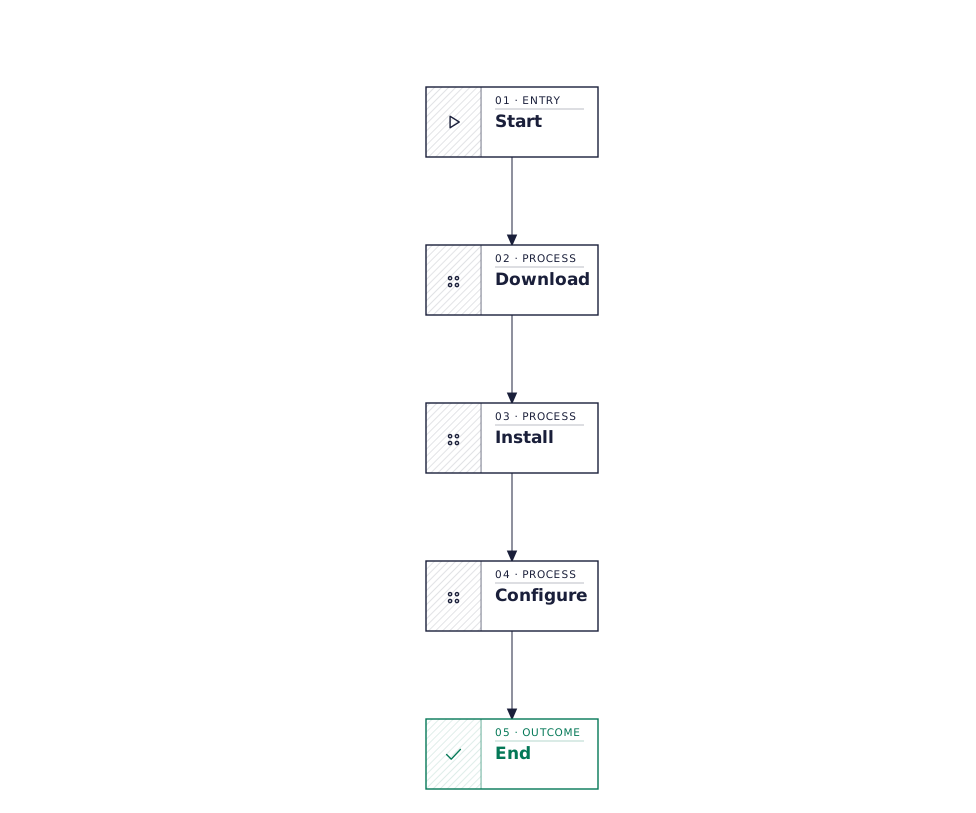
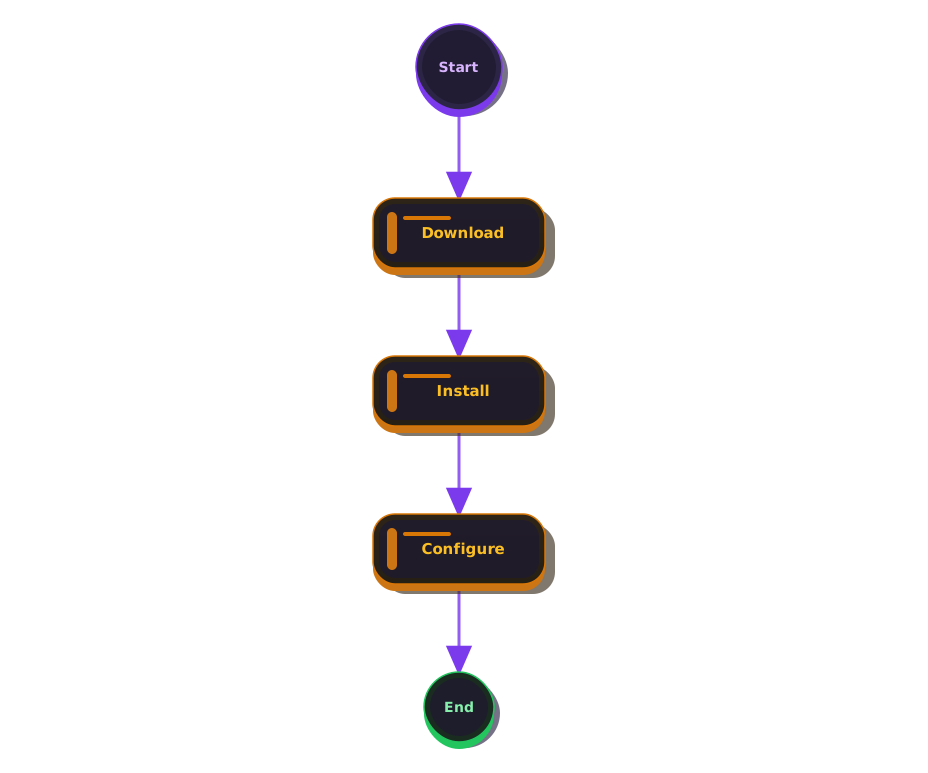
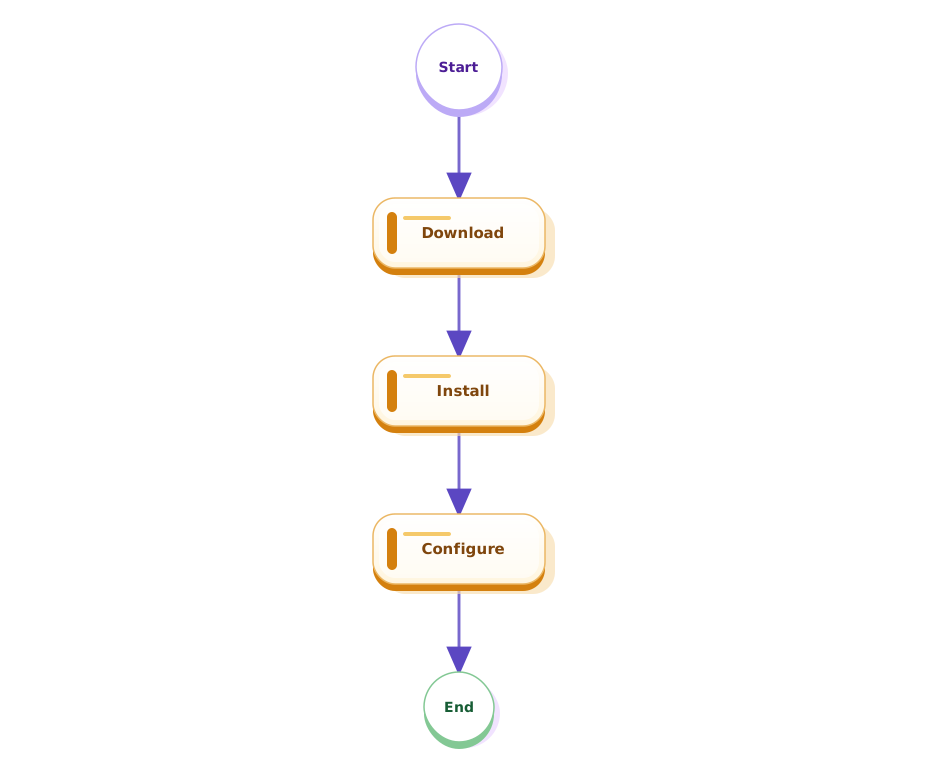
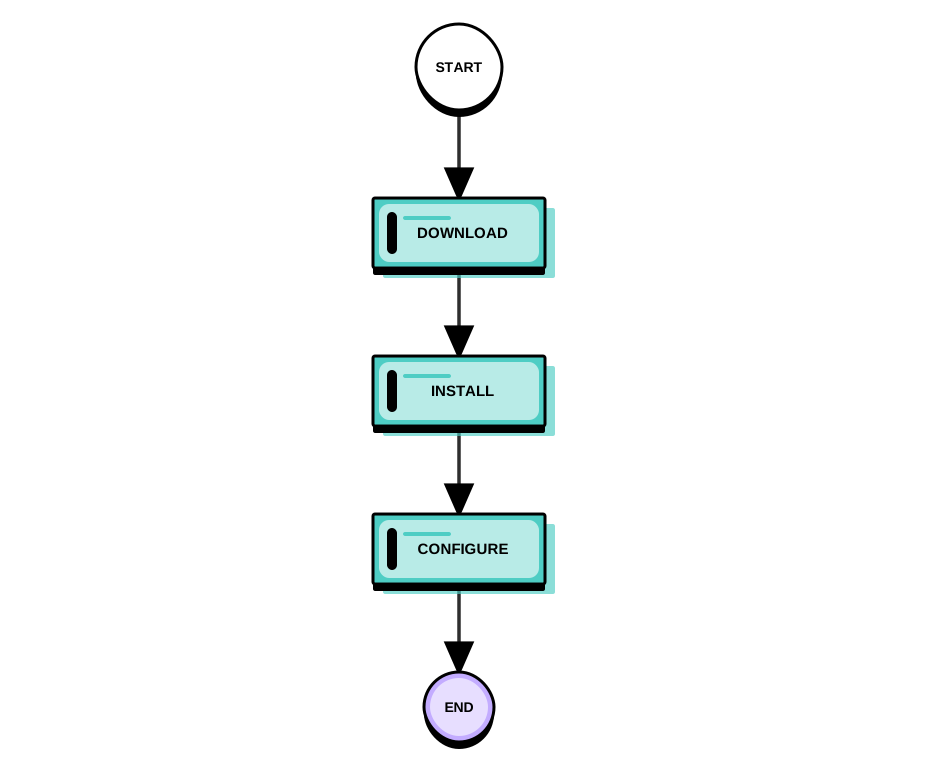
Beautified flowchart — classic themeBeautified flowchart — brutalist themeBeautified flowchart — blueprint themeBeautified flowchart — obsidian theme
Try a sample:
NEWAlso available as a plugin
Beautify diagrams without leaving your notes or code.
Obsidian VS Code CLI
§01 · Compare

Default render.
Beauty Diagram.
One drag apart.

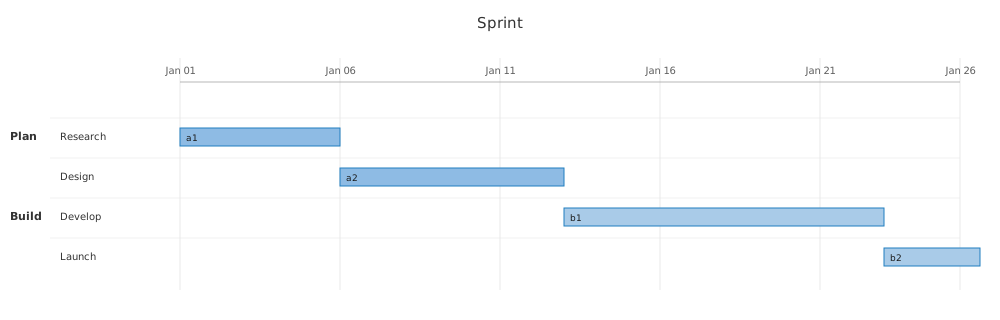
Same source code. On the left, what Mermaid's native renderer gives you by default. On the right, what Beauty Diagram does with it. Drag the handle to compare.
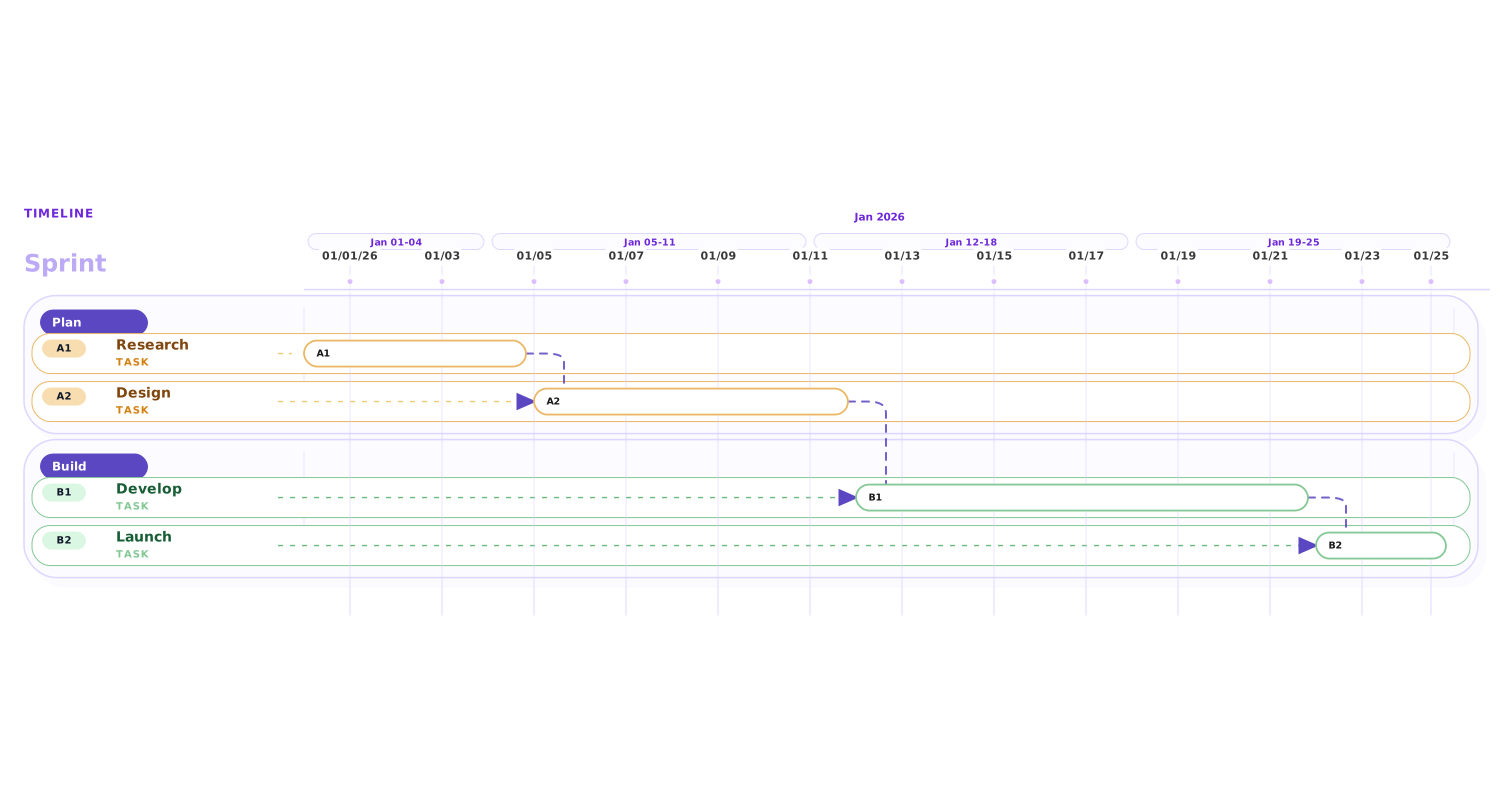
Beautified Gantt chart
Default Mermaid Gantt render
Native renderer
Beauty Diagram
Drag to beautify
§02 · What changes

Six things your default renderer doesn't do.

Every beautified diagram is re-laid out and re-styled with the same set of rules. No per-diagram fiddling.

Re-layout for flowcharts
Mermaid, PlantUML, and draw.io flowcharts get re-laid out on a grid with orthogonal routing — no diagonal arrows cutting through nodes.
9 themes you can swap
Switch between modern, atelier, atlas, obsidian, and more without editing the source. The same Mermaid renders for a deck, a doc, or a dark-mode README.
Editorial-grade typography
Geist at 14px / 500 with OpenType ligatures and baseline-aligned labels. The diagram looks like a slide, not a wiki page.
AI generate / refine
Describe what you want in plain English — AI drafts the Mermaid or PlantUML source, then refine an existing diagram with the same loop. No prompt engineering required.
Embed straight into READMEs
Drop a Beauty Diagram image URL into any markdown (GitHub, Notion, Medium) — the rendered SVG loads on every view. No save, no re-export when you tweak the source.
5 animated SVG styles
Layer subtle, lightning, laser, charge, or pulse motion onto the same Mermaid source. Clarifies sequence and direction without rewriting the diagram.
12 types →FlowchartSequenceERClassStateGanttMindmapPieXY ChartGit GraphActivitySwimlane
§03 · Beauty Diagram vs Mermaid Live · vs Excalidraw · vs Figma

Fits where other tools don't.

There are plenty of ways to draw a diagram. Beauty Diagram is the only one that takes the text you already wrote and gives you a render you'd actually put on a slide.

Beauty DiagramMermaid LiveExcalidrawFigma / Sketch
Input is code you already have
Supports Mermaid + PlantUML + draw.io
Sleek, modern styling out of boxmanual
Re-layout (orthogonal routing, lanes)
AI generate / refine from a prompt
Embed via image URL (GitHub README, Notion)
No manual drawing required
Version-controllable source
Animated SVG preview (no rewrite of source)
Export 4× PNG without watermark
§03.5 · Questions you were about to Google

The short answers.

We collected the searches that lead people here and answered them plainly — no fluff, no “it depends.”

How do I beautify a Mermaid flowchart?
Paste your Mermaid source into the editor. Beauty Diagram re-lays it out with orthogonal routing, applies a sleek, modern palette, and exports SVG in under 400ms. You keep the original code; only the render changes.
How do I improve a PlantUML activity diagram?
Same flow — swap the tab to PlantUML, paste, click Beautify. The diagram formatter realigns swimlanes, normalizes node sizes, and fixes the cramped default spacing that PlantUML ships with.
Mermaid vs PlantUML — which should I use?
Mermaid is easier to read in Markdown and has wider native support (GitHub, Notion). PlantUML is more expressive for UML — class, sequence, state, activity. Beauty Diagram supports both, so pick whichever your source tree already uses.
Can I import a draw.io file?
Yes, on Pro. Drop a .drawio or .xml export into the editor — we parse the flowchart or sequence diagram into Mermaid source, then beautify from there. You stay in the Mermaid workflow after import, with the original file untouched.
SVG vs PNG for diagrams — which export format?
SVG for anything that will be viewed on screen (docs, websites, Figma embeds) — it stays crisp at any zoom. PNG for decks that will be exported to PDF or printed, or when the destination tool does not support SVG. Beauty Diagram exports 4× PNG on Pro — no watermark.
Can I export Mermaid to SVG or PNG without rendering manually?
Yes. Every beautified diagram gets a one-click export to both SVG and PNG. No CLI, no puppeteer, no Node dependency to install.
Is this just a Mermaid Live editor clone?
No. The Mermaid live editor renders what Mermaid gives you. Beauty Diagram post-processes that render — re-layout, spacing, typography, palette — so the result is something you would actually paste into a deck.
Can I tweak colors without editing the source code?
Yes. Click any node or line on the canvas and a floating toolbar appears — change background, border, line color, width, and text color with one tap. Your source stays untouched; the customizations save with the diagram and travel with the shared link.
Works with the formats you already write →
MERMAIDPLANTUMLDRAWIOSVG
Renders inside the tools you already use →
§04 · Pricing

Freemium for fast adoption,
upgrade when the workflow sticks.

Free forever for occasional use. Upgrade only when beautified diagrams become part of your daily workflow.

Early Bird — Save 20%
Secure checkout opens in a new page and may take a few seconds to appear.
Pay as you go

Not ready to subscribe? Pay as you go.

Buy credits once, use them anytime in the next 12 months. Skip the subscription entirely, top up when your monthly cap kicks in, or grab a pack for that one urgent slide deck. No recurring charges — just pick what fits.

How credits work
  • 1 credit = 1 complete Pro export (HD, no watermark, any Pro theme)
  • 5 credits = 1 AI generate or refine
  • 10 credits = 1 permanent save slotnew

Subscribers: monthly quota is used first; credits kick in as backup.

Premium signature themes (Blueprint, Memphis) require a Premium subscription — credits don't unlock them.

Credits expire 12 months after purchase.