
Beautify Mermaid in Obsidian
Drop the plugin into your vault and every ```mermaid and ```plantuml block renders with the same deck-ready themes Beauty Diagram uses on the web — without leaving Reading View.
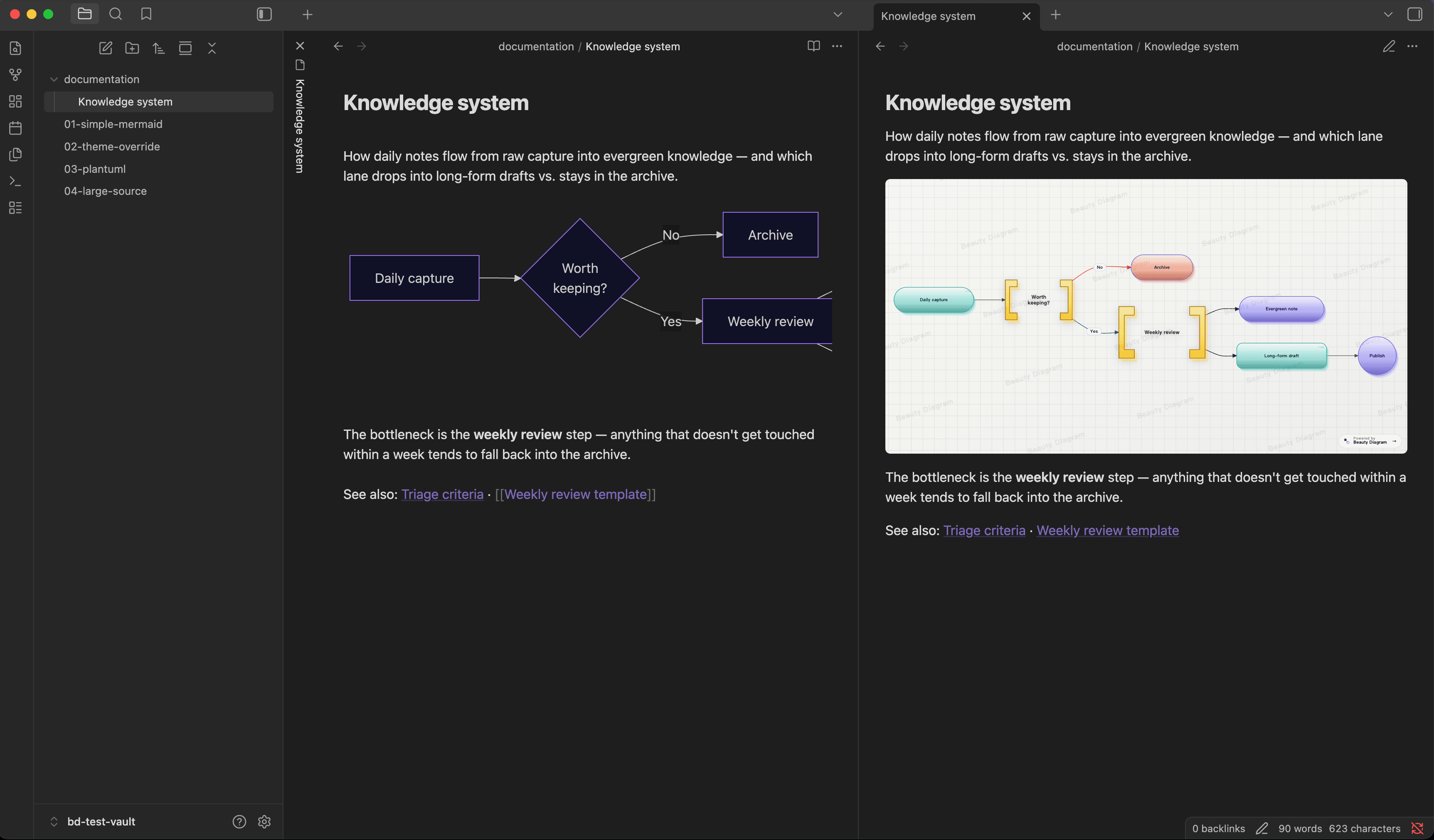
What you get
A thin client that delegates rendering to the same engine as the web editor — no bundled Mermaid, no Java for PlantUML.
Switch between Modern, Slate, Obsidian, Atlas, Blueprint and more with a global setting or a per-block %% bd:theme= directive. Dark-mode aware.
Same theme pipeline for both formats. No Java setup for PlantUML; everything renders through the Beauty Diagram API.
Open the full editor from a one-click ribbon, or render diagrams to portable embed URLs you can paste into GitHub README and Notion.
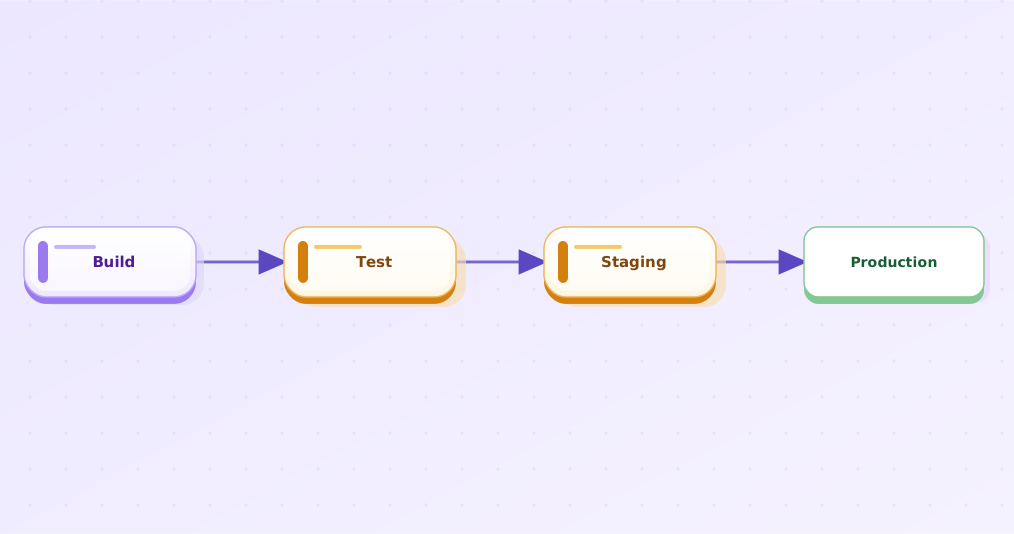
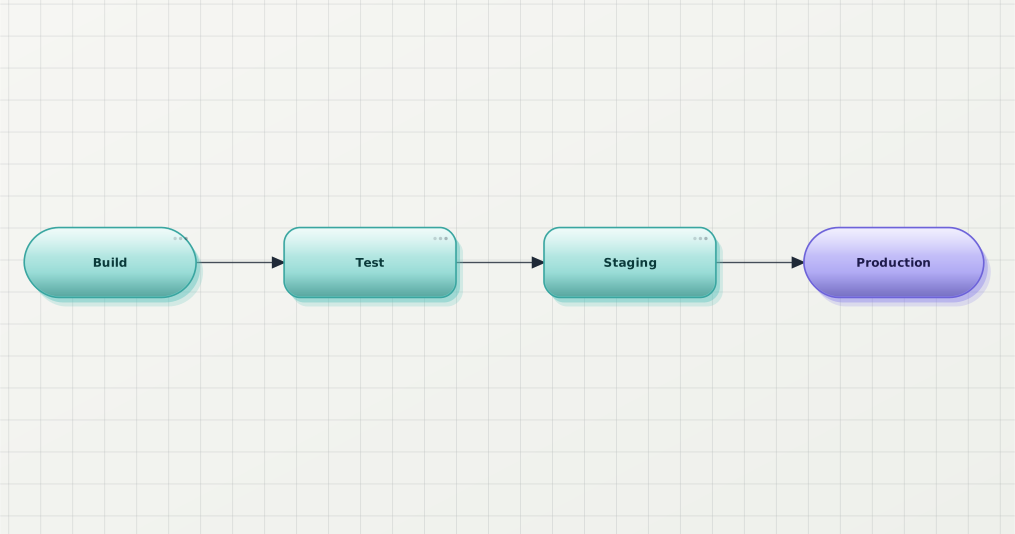
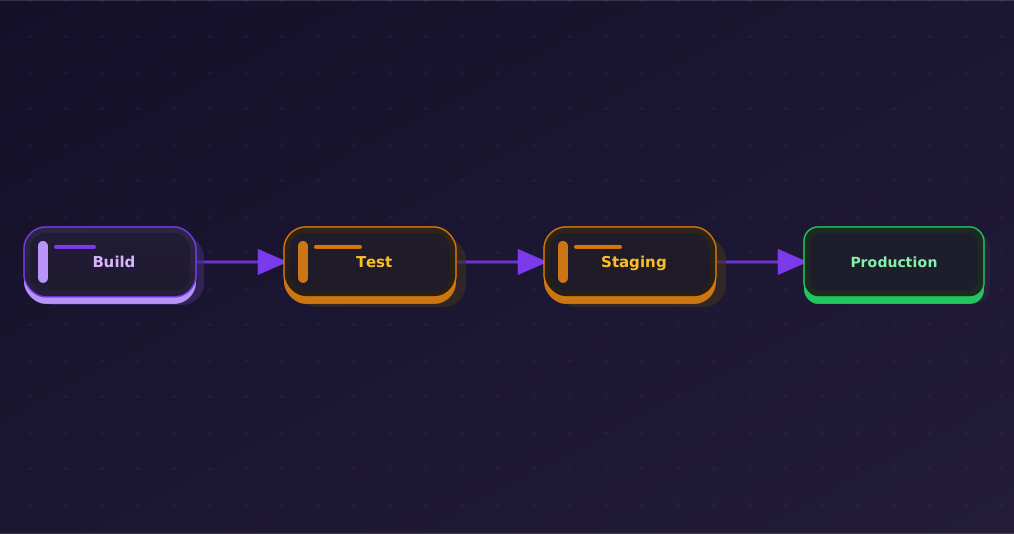
Same diagram, every theme
Switch globally in Settings or per-block via %% bd:theme=.... Free plan unlocks Classic / Modern / Slate; Pro and Premium add the rest.
Install
Two install paths. Community Plugins is in review — until it shows up in Obsidian's in-app directory, BRAT gives you the same release straight from GitHub.
beauty-diagram/obsidian-beauty-diagram.main.js, manifest.json, and styles.css from Releases into .obsidian/plugins/beauty-diagram/.Remove the watermark on the pages that matter
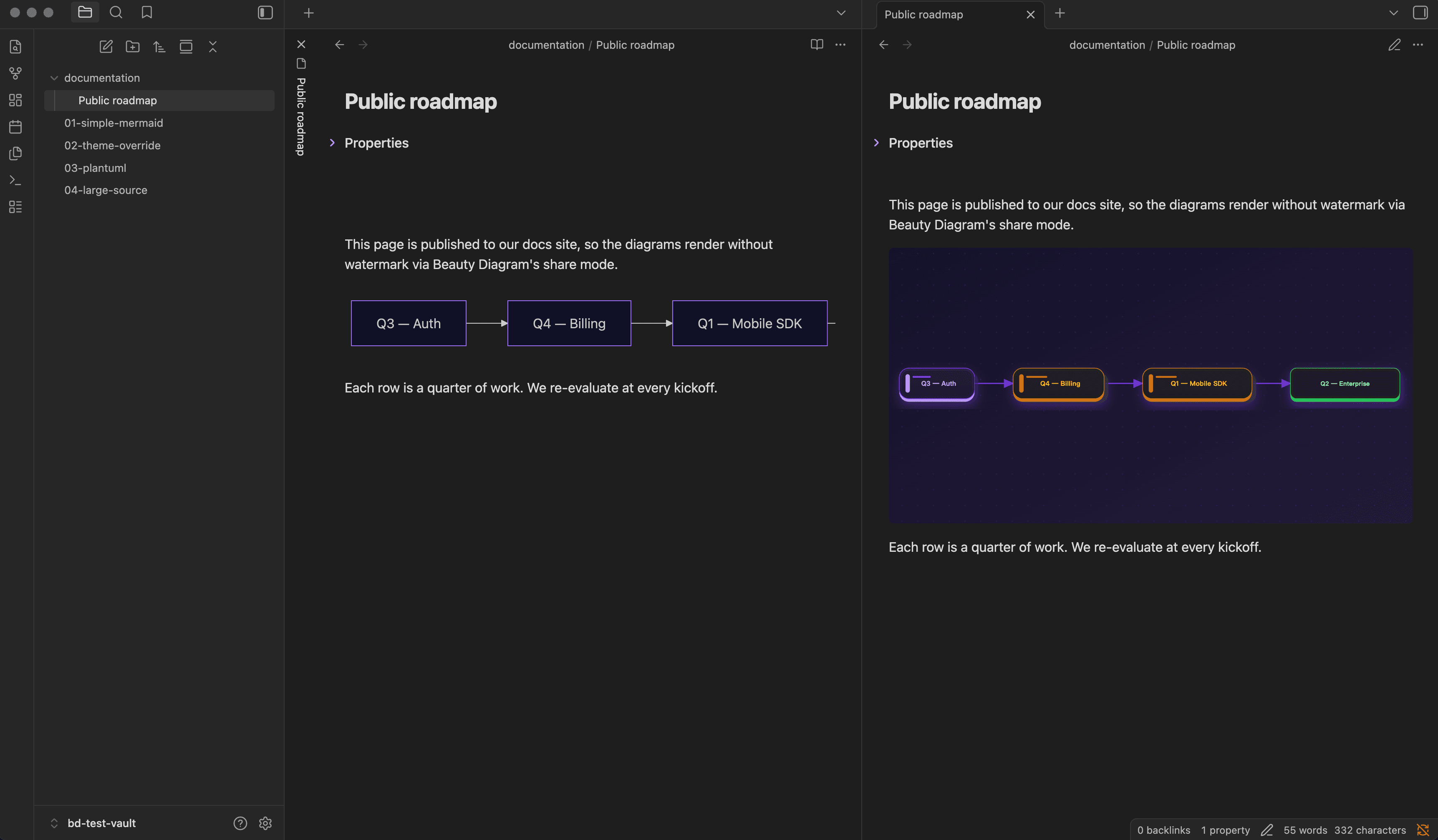
Default render is anonymous and watermarked — no quota, no surprise charges. When a page is ready to publish, flip share mode for that one note and the same diagrams render without the watermark.
- Opt in per page with bd-share: true in the front-matter (or a one-click toggle command)
- Diagrams render via /v1/share/<token>.svg — no watermark
- Each unique source consumes 1 share quota (Pro: 100/month, Premium: unlimited)
- Token cached locally; subsequent renders of the same source are free
FAQ
Yes. Default render is anonymous and free; every diagram is rendered with a small Beauty Diagram watermark. A Pro or Premium plan removes the watermark in share mode and unlocks Pro/Premium themes.
No — rendering happens server-side at api.beauty-diagram.com so we can do parsing, layout, and theme work without bundling a heavy renderer into your vault. You can self-host the API and point the plugin at it via Settings.
Yes, by default. You can disable Mermaid override in Settings if you ever want to fall back. PlantUML support is additive — Obsidian doesn't render PlantUML natively.
Anonymous renders pass the source as a query parameter to /v1/beautify.svg; the server uses it to render but does not persist. Share mode (opt-in) saves the diagram to your account so it can be served without watermark. Full details on the privacy page.