
Beautify Mermaid in VS Code
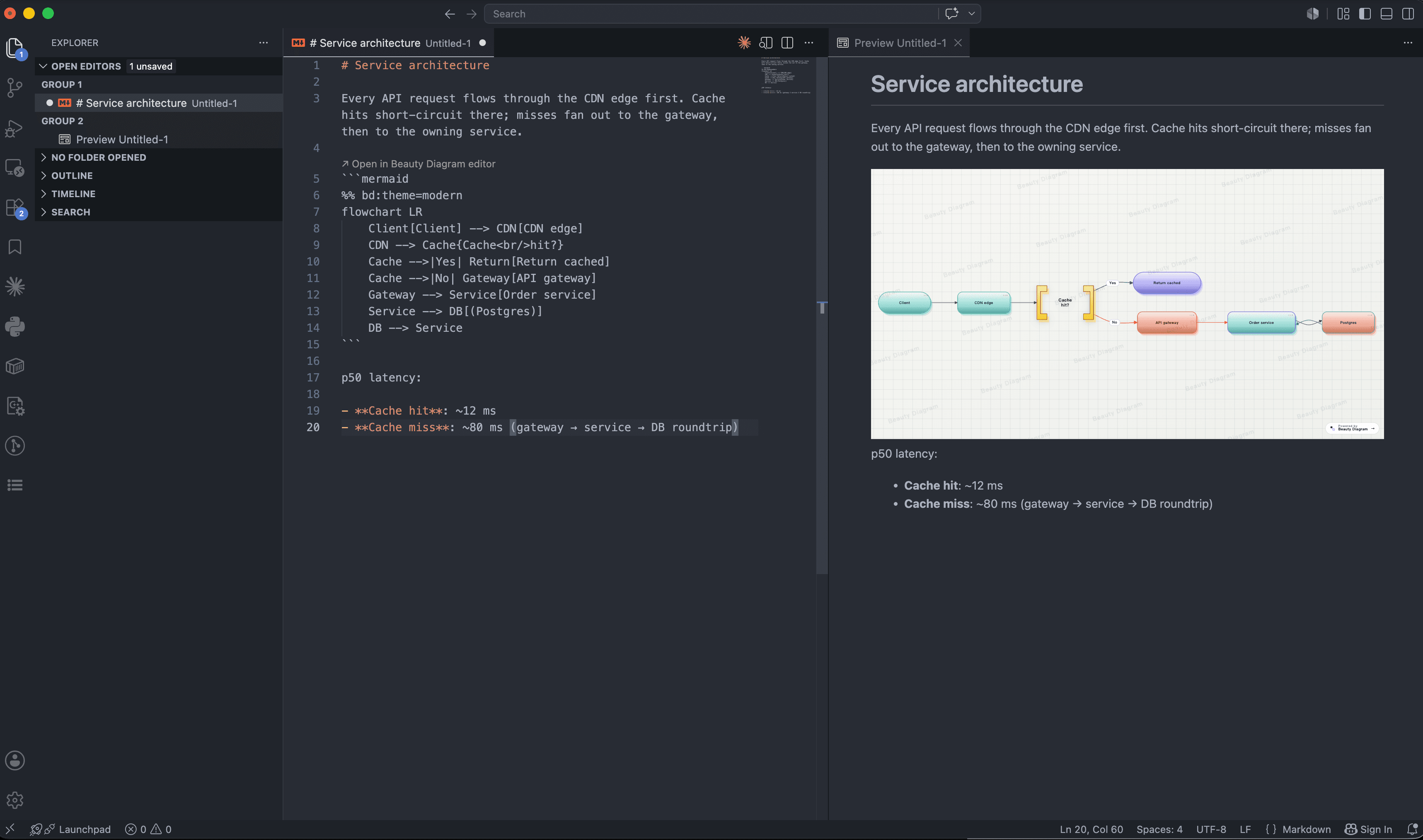
Every ```mermaid and ```plantuml block in Markdown Preview rendered with 9 deck-ready themes. CodeLens above the fence, share-mode toggle in the palette, optional portable embed URLs in your repo.
Where it runs
Any IDE that ships VS Code's built-in Markdown Preview engine — which is all of them. We publish the same extension to both stores: VS Code Marketplace for VS Code & Codespaces, Open VSX for everything else.
The original. Built-in Markdown Preview.
Same Markdown Preview engine, same extension.
Codeium's IDE — fully compatible.
Telemetry-free build. Drops in cleanly.
Cloud workspaces ship Open VSX by default.
Browser-based VS Code, same Marketplace.
Don't see your IDE? If it's based on VS Code (Eclipse Theia, custom forks, etc.), it'll work — install via Open VSX or sideload the .vsix from the GitHub releases.
What you get
A markdown-it plugin that hooks into VS Code's built-in Markdown Preview engine — no separate webview, no extra UI to learn.
Intercepts every Mermaid and PlantUML fence in the built-in preview, no extra panes. Works in VS Code, Cursor, VSCodium, and Windsurf.
↗ Open in Beauty Diagram editor above every fence; share mode, source injection, and verify-key commands from the palette.
Inject <img> references next to each fence so the same diagrams render in GitHub README, Notion paste, and static-site blogs.
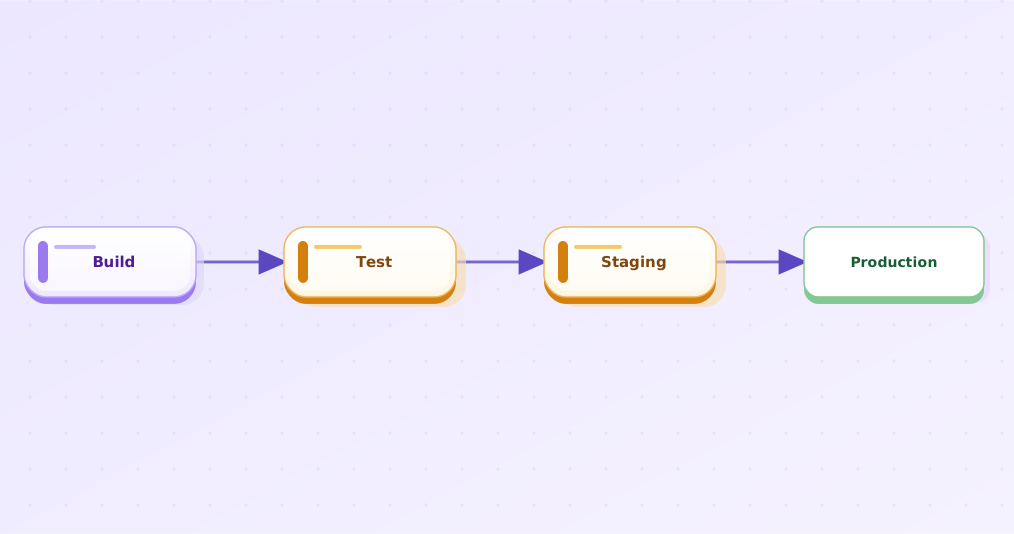
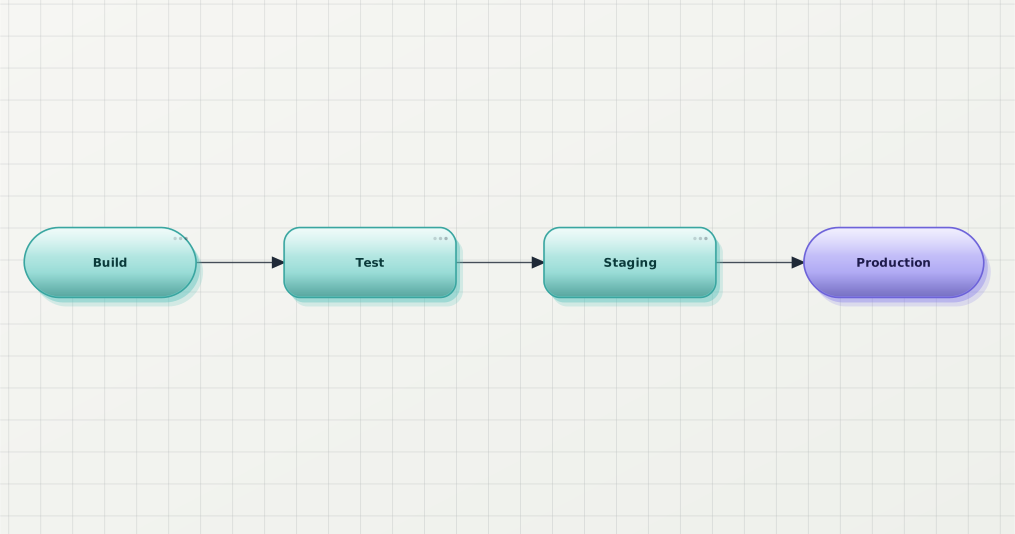
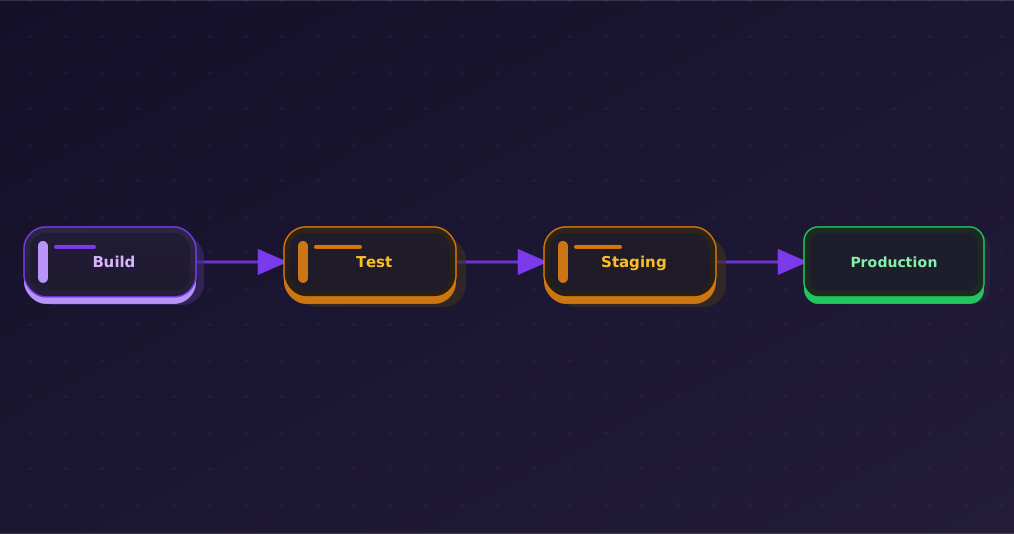
Same diagram, every theme
Pick globally in Settings (beautyDiagram.defaultTheme) or per fence via %% bd:theme=.... Free plan unlocks Classic / Modern / Slate; Pro and Premium add the rest.
Install
Same extension across Marketplace and Open VSX. Pick whichever your IDE's store points at — the version stays in lock-step.
code --install-extension beauty-diagram.beauty-diagram
.md with a Mermaid or PlantUML fence → open Markdown Preview (Cmd+K V). That's it.Watermark-free preview for the pages you publish
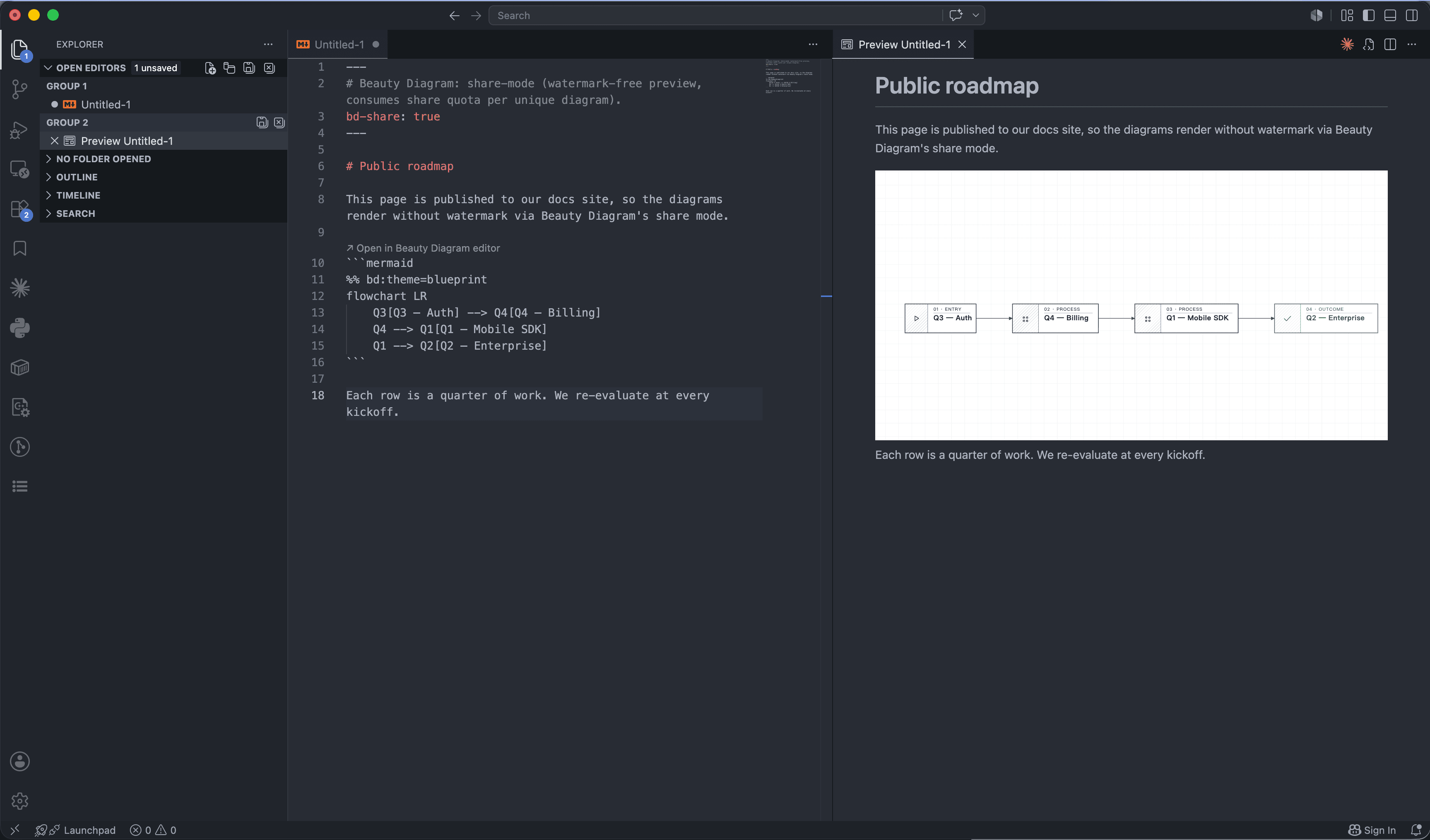
Default render is anonymous and watermarked — no quota, no surprise charges. When a doc is ready for the docs site or a customer demo, toggle share mode for just that file and the existing fences re-render without the watermark.
- Run “Beauty Diagram: Toggle share mode for this page” to add bd-share: true to the front-matter
- Pre-fetches share tokens for every fence in the file (1 share quota per unique source)
- Markdown Preview re-renders via /v1/share/<token>.svg — no watermark
- VS Code doesn't allow webview→host async messaging, so toggle pre-fetches up front; if you add a new fence on a share-mode page, run the toggle twice to refresh
FAQ
Yes. Default render is anonymous and free; every diagram is rendered with a small Beauty Diagram watermark. A Pro or Premium plan removes the watermark in share mode and unlocks Pro/Premium themes.
Yes — any IDE that ships VS Code's built-in Markdown Preview engine (which means all of them). The extension contributes the markdown-it plugin and preview scripts through the standard markdown contribution points.
Set beautyDiagram.replaceMermaid to false and the built-in / other extensions handle Mermaid; beautyDiagram.handlePlantuml controls PlantUML the same way. By default both are on.
Yes. Point beautyDiagram.apiBase at your Beauty Diagram instance and every render goes through your server. Same applies to the bd CLI.