
Beautify diagrams right in your browser
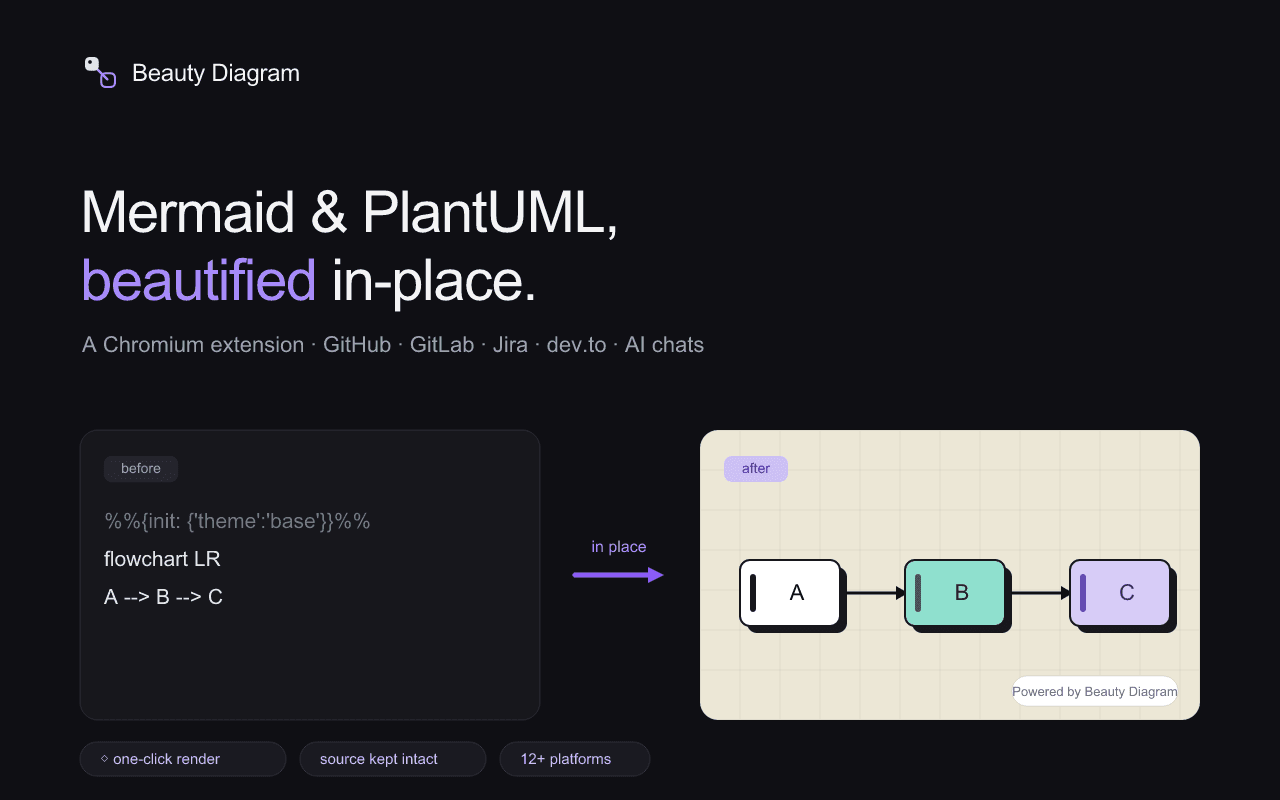
Beauty Diagram re-renders every ```mermaid and ```plantuml fence in place on the pages you already read — GitHub, GitLab, Jira, ChatGPT, and more. No copy-paste, no separate tab, original source always one click away.
Works on the tools you already use
Runs automatically on these sites out of the box. Flip it on for anywhere else — an internal wiki, a custom docs portal — from the toolbar popup.
READMEs, issues, PRs, wikis
READMEs, issues, MRs, wikis
Any *.atlassian.net site
Articles and comments
Questions and answers
Issues and docs
Blog posts
Chat responses
Chat responses
Chat responses
Chat responses
One click from the popup, per-site
What you get
A content script that delegates rendering to the same engine as the web editor, VS Code extension, and Obsidian plugin.
Every Mermaid and PlantUML fence re-renders right where it appears — no copy-paste, no separate tab. The original source stays one click away.
Raw fences never auto-render on sites you haven't enabled. A small ◇ Render button appears on each one — you decide what gets beautified.
Built-in on GitHub, GitLab, Jira, and more. Flip it on for an internal wiki or custom docs portal from the popup — the browser asks for just that one site.
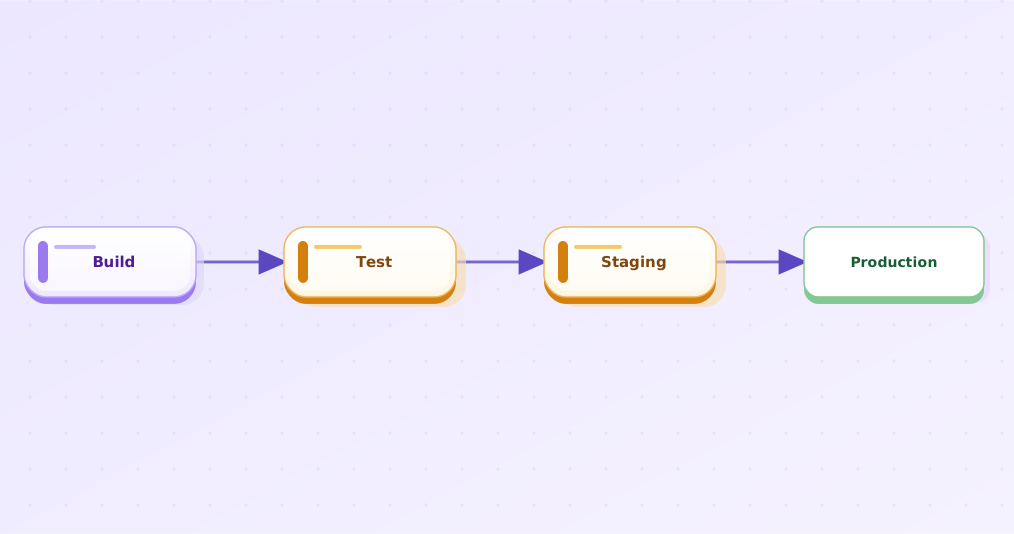
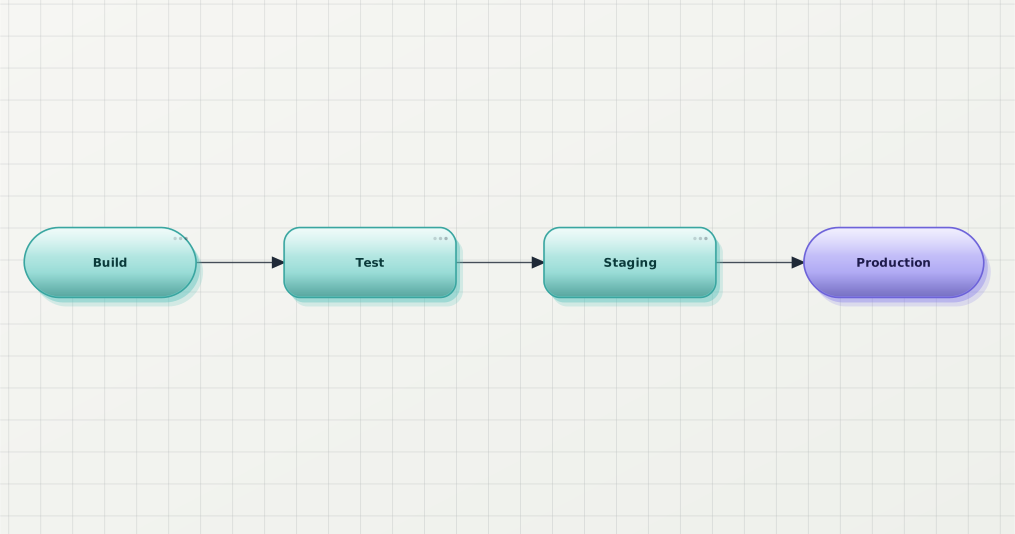
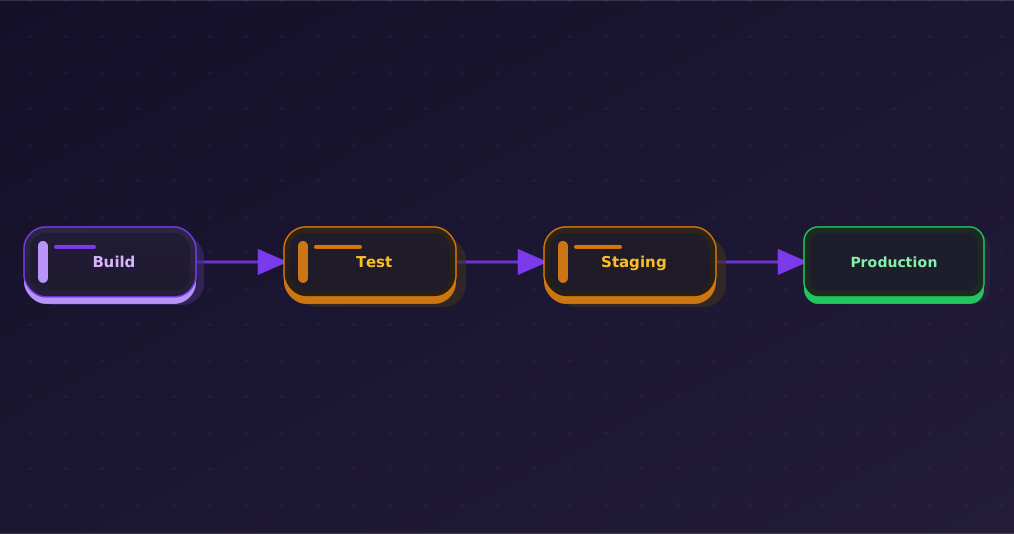
Same diagram, every theme
Pick a default in the extension's Options page, plus a max-width control. Free plan unlocks Classic / Modern / Slate; Pro and Premium add the rest.
Install
One install, works everywhere the extension is enabled — no per-site setup beyond the one-click toggle.
Watermark-free rendering with an API key
Default render is anonymous and watermarked — no quota, no surprise charges. Paste a Pro or Premium key into the extension's Options page and every subsequent render drops the watermark.
- Paste a Pro or Premium API key into the extension's Options page
- Every render then mints a /v1/share token and serves it via /v1/share/<token>.svg — no watermark
- Each unique diagram source consumes 1 share quota (Pro: 100/month, Premium: unlimited); repeats of the same source are cached and free
- Remove the key any time to fall back to the free, watermarked path — no account required either way
FAQ
Yes. Default render is anonymous and free; every diagram is rendered with a small Beauty Diagram watermark. A Pro or Premium API key removes the watermark and unlocks Pro/Premium themes.
Only the source text of the diagrams it renders — a Mermaid or PlantUML code block, or a diagram a supported site already rendered. It never reads the rest of the page, your browsing history, or form inputs. Full detail on the extension privacy policy.
It's built and tested for Chrome via the Chrome Web Store. It's a standard Manifest V3 extension using only standard WebExtension APIs, so it also loads in other Chromium browsers that support Chrome Web Store extensions.
Yes. Point the extension's API base (Options page) at your own Beauty Diagram instance. Same applies to the VS Code extension, Obsidian plugin, and bd CLI.