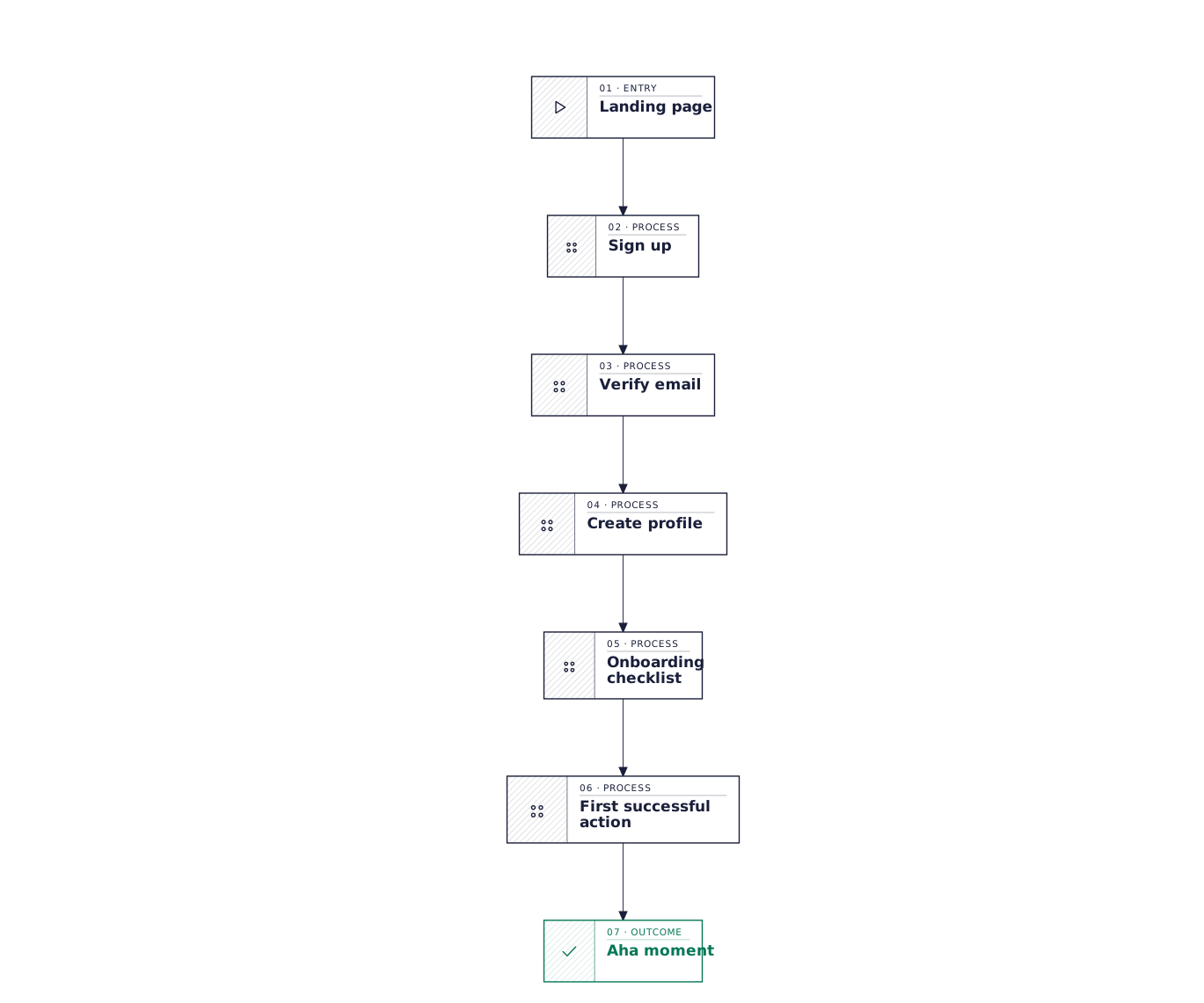
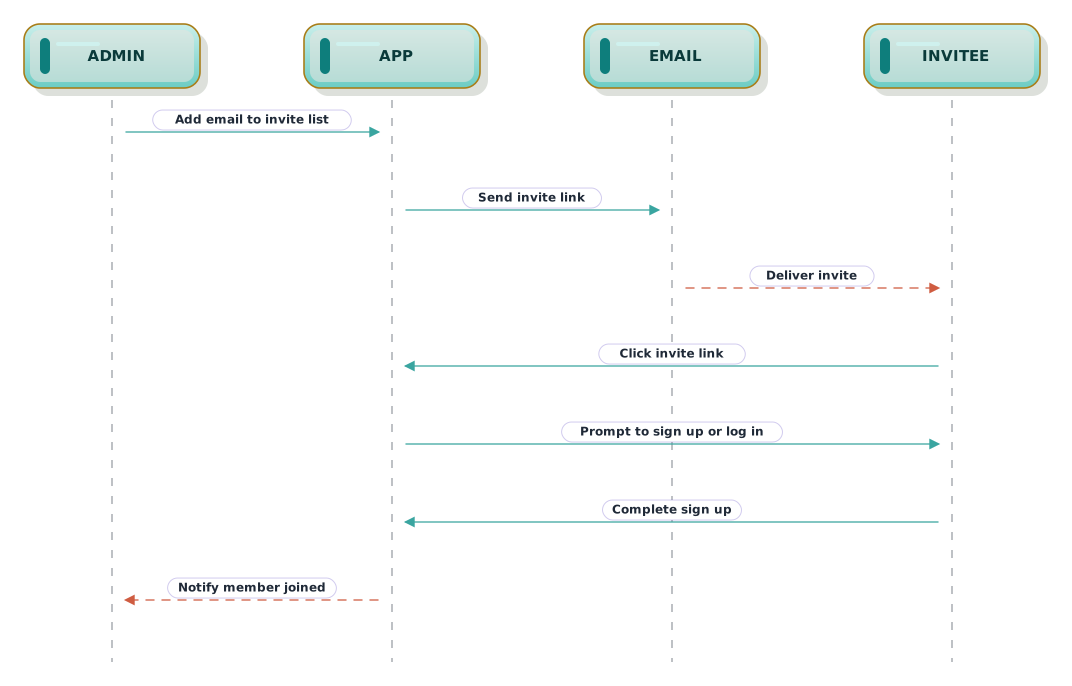
New user onboarding — user journey
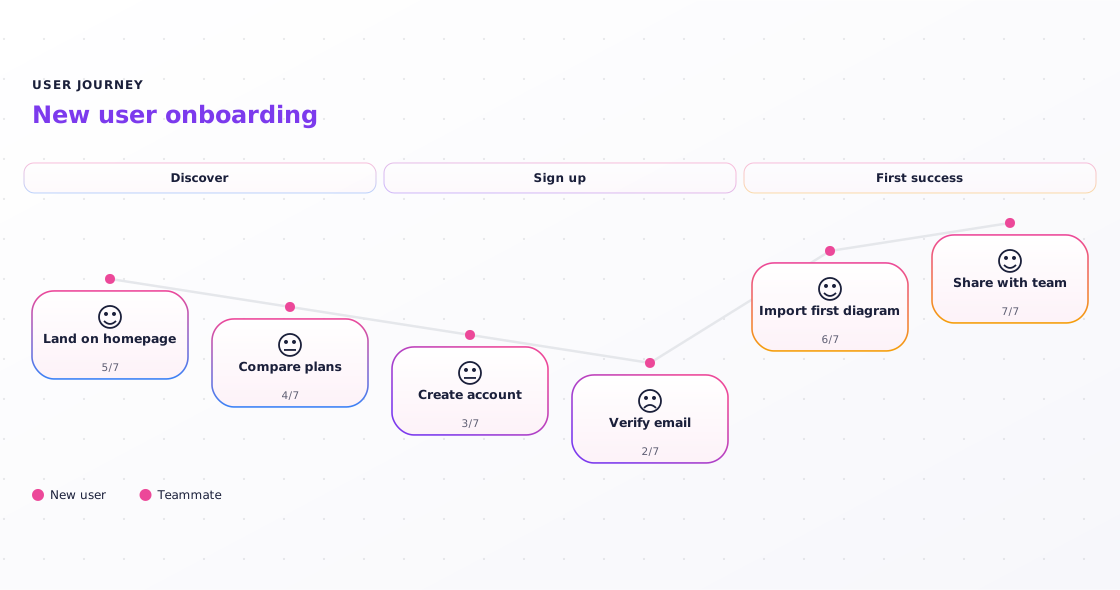
Onboarding scored step by step: where new users sail through, where they grind, and the satisfaction curve that shows the dip your next sprint should fix.
What this diagram shows
Each task carries a 1–7 satisfaction score. The dips are the insight — a journey where everything scores 6 tells the team nothing.
Scores set each card's height, so the whole diagram reads as an emotional curve. Present the lowest point first; it's the step everyone will ask about.
Journeys have no branches by design. Draw the happy path here, and move payment-failure or retry logic into a flowchart.
About user journey diagrams
User journey diagrams walk through an experience step by step and score how each step feels, tracing a satisfaction curve across the flow. Use them for onboarding, checkout, and support flows where the question is where the experience hurts.
This template is written in Mermaid — plain text you can edit, version in git, and regenerate the image from any time.
View Mermaid sourcePlain-text diagram syntax — copy or edit directly.
1journey2 title New user onboarding3 section Discover4 Land on homepage: 5: New user5 Compare plans: 4: New user6 section Sign up7 Create account: 3: New user8 Verify email: 2: New user9 section First success10 Import first diagram: 6: New user11 Share with team: 7: New user, TeammateRelated templates
More templates that cover similar workflows.