Product launch — timeline
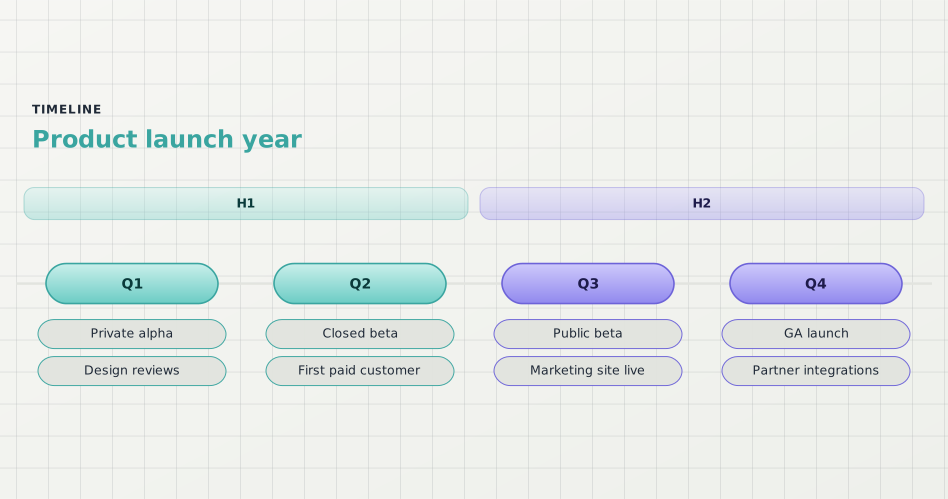
One launch year as a sectioned timeline: two halves, four quarters, and the headline events under each — the recap slide that usually gets hand-drawn.
What this diagram shows
Each quarter is one period on the spine; everything that happened in it stacks underneath as event cards. No dates, no durations — just what happened, in order.
The H1 / H2 sections band the quarters into halves so a reader can jump to the part they care about instead of scanning the whole track.
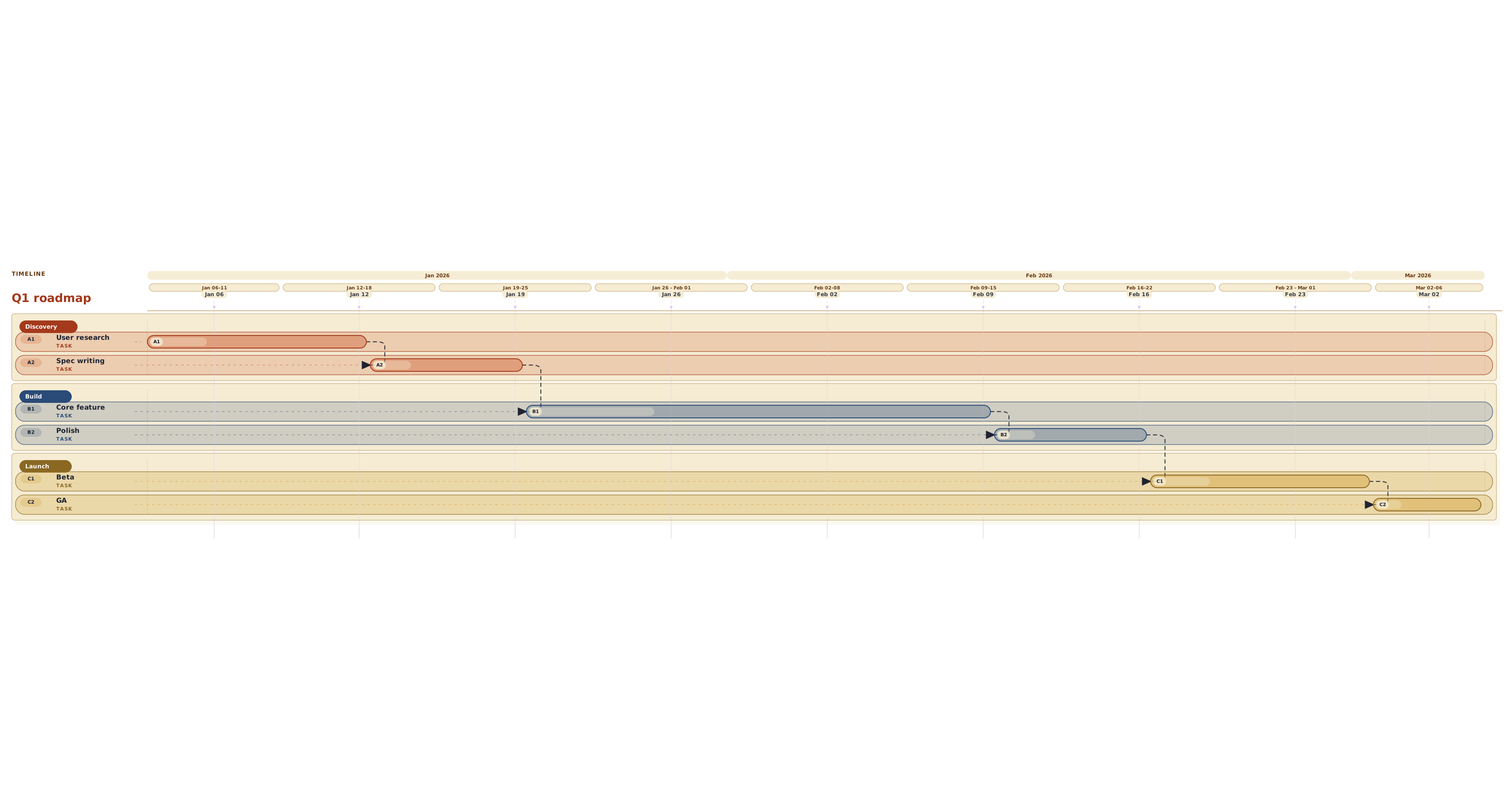
The moment two streams run at once or a task depends on another, this stops being a timeline story — switch the header to `gantt` and add dates.
About timeline diagrams
Timelines lay events along a single chronological track, grouped into periods. They fit launch recaps, project history, and release notes — stories where the only structure is what happened when, with no parallel streams or dependencies.
This template is written in Mermaid — plain text you can edit, version in git, and regenerate the image from any time.
View Mermaid sourcePlain-text diagram syntax — copy or edit directly.
1timeline2 title Product launch year3 section H14 Q1 : Private alpha : Design reviews5 Q2 : Closed beta : First paid customer6 section H27 Q3 : Public beta : Marketing site live8 Q4 : GA launch : Partner integrationsRelated templates
More templates that cover similar workflows.